Auto Text Expander for Faster Shortcuts in Any App

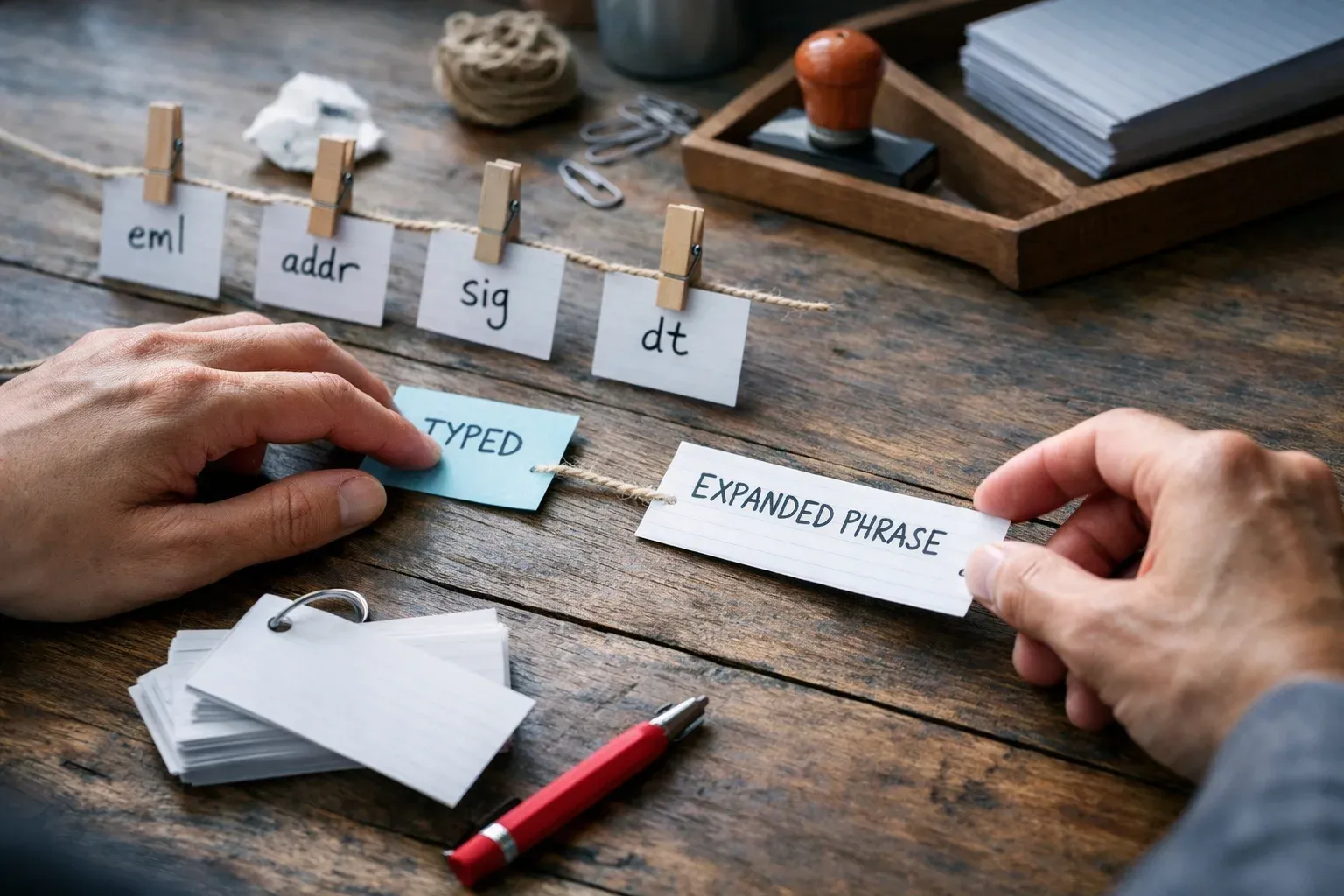
An auto expander is a shortcut tool that turns a short trigger into longer text when you type. If you keep repeating the same replies, signatures, or phrases, it can save time fast. The catch is that not every auto expander fits every workflow. Some only work in one browser. Some are built for one operating system. Some are fine for solo use but awkward when a team needs shared wording.
Typerelay is a text expander for saving reusable replies, signatures, and snippets as shortcuts. It works on macOS, Windows, and Linux, with web sync and shared snippets available. That makes it a good fit when you want the convenience of an auto expander without tying your workflow to one app or one platform.
What people usually mean by "auto expander"
The phrase "auto expander" gets used loosely. In practice, people usually mean one of three things:
- a browser-based text expander
- a desktop snippet tool that expands shortcuts across apps
- a form-filling or autofill tool that inserts saved text into fields
Those are related, but they are not the same. If you only need snippets inside Chrome, a browser extension may be enough. If you type across email, chat, support tools, and internal apps, a desktop text expander is usually the better long-term fit.
That difference matters because the best tool is not the one with the broadest label. It is the one that works where you actually type.
When an auto expander is a good fit
An auto expander makes sense when you repeat the same text often enough that typing it becomes a chore.
Common examples include:
- greetings and sign-offs
- support replies
- sales follow-ups
- policy language
- internal instructions
- email signatures
- multiline templates
- short, repeated phrases you never want to retype carefully again
If the text is stable and reused often, a shortcut helps. If the wording changes constantly, a snippet library can still help, but only if the tool makes editing fast.
This is where Typerelay fits well. It is built for reusable replies and snippets, not just one-off text replacement. You can keep personal text private and also share approved wording with a team.
Auto expander vs browser extension
A browser-only auto expander can be enough if your work stays inside the browser. That is often true for simple support flows, lightweight admin work, or small teams that only need snippets in web forms.
But browser-only tools have limits:
- they may not work in desktop apps
- they may not follow you across browsers
- they may not handle team libraries well
- they can be awkward if your workflow spans email, chat, and local apps
A desktop text expander gives you more room to grow. Typerelay is available on macOS, Windows, and Linux, so the same shortcut workflow can travel with you across different devices and systems. It also supports web sync, which helps keep your snippets aligned when more than one person is maintaining them.
For a browser-specific check, see the related Auto Text Expander for Google Chrome: A Practical Fit Check.
What to look for before you pick one
If you are comparing auto expander tools, focus on the workflow, not the marketing label.
1. Fast triggering
A shortcut should save time immediately. If opening, searching, or inserting text takes too many steps, the tool starts getting in the way.
2. Reliable expansion
The tool should work in the apps you use every day, not just in a demo field. That includes multiline text, punctuation, and editing after expansion.
3. Cross-platform support
If you move between macOS, Windows, and Linux, the same snippet system should follow you. Otherwise, you end up maintaining separate libraries.
Typerelay is built for cross-platform use, which is one of the main reasons it stands out for auto expander searches.
4. Shared snippets for teams
If more than one person uses the same wording, shared snippets matter. They reduce copy-paste drift and make it easier to update approved text in one place.
Typerelay supports private and shared snippets, so teams can keep personal shortcuts separate from shared copy.
5. Simple editing
The library should be easy to update. A good auto expander helps when text changes, not only when you first create a shortcut.
6. A clean fit with your work
Some tools are built around browser forms. Others are better for desktop workflows. Pick the one that matches where you spend time typing.
For a broader checklist, the guide Choosing a Text Expander App: Seven Features That Matter walks through the main tradeoffs.
Why teams outgrow basic auto expanders
Teams usually run into the same problem: the first few shortcuts are easy, then the library starts to spread.
One person saves a reply in a browser extension. Another keeps a copy in notes. A third edits a signature manually. Soon the wording no longer matches.
That is where a shared snippet workflow helps.
Typerelay is useful in that setup because it gives teams one place to manage repeated text. Shared snippets can hold approved wording, while private snippets stay personal. That keeps team copy consistent without forcing everyone to share the same private shortcuts.
If your team is already thinking about shared replies or signatures, these posts may help:
- Text Expander for Team: Shared Snippets Without the Chaos
- Email Signature Automation Without Email Client Lock-In
- Automatic Email Signature: Create It Once, Reuse It Anywhere
Is free auto expander software worth it?
Sometimes, yes. Free is useful when you want to test whether shortcut-based typing actually fits your routine. But "free" is not the same as "good enough for daily work."
A free auto expander is worth trying if it still gives you:
- reliable expansion
- easy editing
- desktop support
- team sharing, if you need it
- enough speed that you keep using it after the first week
Typerelay is free during beta, which makes it easy to test in real work instead of judging it from a screenshot. If you are comparing cost and fit, the related Free Text Expander: A Practical Test Before Choosing One is a good next step.

A practical way to test an auto expander
The best test is short and boring. Use the same text you repeat every day.
Try this:
- Pick one repeated reply: Use a greeting, signature, or support message you already type often.
- Add a simple shortcut: Make the trigger short enough that you will remember it.
- Test it in a normal app: Use the tools and fields where you actually work.
- Check multiline text: Make sure longer snippets insert cleanly.
- Edit the text: Change the wording and confirm the updated version appears.
- Try it on another device: If you move between machines, verify the same shortcut works there too.
- Test shared content with a teammate: If more than one person will maintain the copy, check the handoff early.
That process tells you more than a product demo does. A good auto expander should work in ordinary use, not just in the happy path.
Why Typerelay is a strong auto expander fit
Typerelay is not trying to be a browser-only helper or a narrow one-purpose add-on. It is built as a text expander for reusable replies, signatures, and snippets across desktop workflows.
That matters if you want:
- macOS, Windows, and Linux support
- private and shared snippets
- web sync for keeping libraries aligned
- a workflow that works across apps
- a tool that starts free during beta
- open-source availability for users who care about transparency
It is also a good fit if your team needs one person to maintain shared wording while everyone else uses it across their normal apps. That is often the real use case behind "auto expander" searches: not just typing faster, but keeping repeated text under control.
If you want to compare options more directly, these pages can help:
- Text Expander for Windows: Fast Shortcuts Across Every App
- Mac OS Text Expander: Faster Snippets Across All Your Apps
- Text Expander for Linux: Reliable Shortcuts in Every App
- Cross-Platform Text Expander: One Shortcut Library Everywhere
Frequently Asked Questions
What is an auto expander?
An auto expander is a tool that replaces a short trigger with longer text you use often. People use them for replies, signatures, templates, and repeated phrases. Depending on the product, it may work in the browser, across desktop apps, or inside specific form fields.
Is an auto expander the same as autofill?
Not exactly. Autofill usually refers to filling in form fields like names, addresses, or payment details. An auto expander is more about shortcut-driven text insertion, such as canned replies or saved snippets. Some tools overlap, but they solve slightly different problems.
Do I need a browser extension or a desktop app?
It depends on where you type. If your work stays inside Chrome, a browser extension may be enough. If you use email, chat, documents, and desktop apps, a cross-platform desktop tool is usually a better fit.
Can Typerelay be used for team snippets?
Yes. Typerelay supports private and shared snippets, so teams can maintain approved wording in one place while still keeping personal shortcuts separate.
Does Typerelay work on Windows, macOS, and Linux?
Yes. Typerelay is available on macOS, Windows, and Linux, which makes it easier to keep one shortcut workflow across different devices.
Is Typerelay free?
Typerelay is free during beta as a standalone product. That makes it easy to try before you commit to a long-term workflow.
The short version
If you only need a few shortcuts in one browser, a simple auto expander may be enough. If you want reusable text that works across apps, platforms, and teams, a desktop text expander is the safer choice.
Typerelay is built for that larger workflow: reusable replies, signatures, and snippets, with cross-platform support, shared libraries, and web sync. For people searching for an auto expander, that usually means one thing, a shortcut system that keeps working after the first few saves.


