How to Create and Use Text Snippets in Daily Team Workflows
Save frequently repeated messages as clear, searchable snippets with memorable shortcuts, then test and review them in context before sending. For teams, separate personal and shared text, assign ownership, and keep the library focused and up to date.

A text snippet is a saved piece of writing you can insert again instead of typing from scratch. It might be a greeting, a support reply, a signature, or a longer explanation. In a text expander such as Typerelay, you save the text and call it up with a shortcut or search when you need it.
The basic idea is simple. The useful part is choosing snippets that are worth saving, making them easy to find, and keeping shared wording current.
Start with text you repeat
Look for messages you type often and rarely change. Good candidates include:
- A first reply to a common support question
- A meeting confirmation or follow-up
- A product explanation or pricing response
- A signature or contact block
- A recurring internal note or handoff
Save complete, reusable language rather than fragments that only make sense in one conversation. For example, a support snippet should explain the next step clearly, not just say, "Thanks for reaching out."
Before saving a message, check whether it contains details that change each time. A name, date, order number, or custom link should be added or checked before sending. Don't save sensitive information in reusable text unless your organization's policies allow it.
Create a snippet that is easy to reuse
A good snippet should be clear when you find it and safe to insert. Use this process to set one up:
- Choose one repeated message. Start with text you use regularly, not a hypothetical template you may never need.
- Write the reusable version. Remove conversational details that only applied to the original message. Keep the response useful on its own.
- Give it a recognizable name. A name such as "Support: reset instructions" is easier to locate than "Reply 4."
- Choose a shortcut you can remember. Keep it distinctive so it is unlikely to appear accidentally during ordinary typing. Avoid shortcuts that look like common words.
- Test it in the app where you work. Insert it into a draft, read through the result, and check line breaks, punctuation, and any details that need editing.
- Revise it after real use. If teammates keep changing the same sentence, improve the saved version rather than letting multiple unofficial edits spread.
Typerelay is designed for reusable replies, signatures, and snippets. You can keep personal text separate from shared wording, and use the search panel or a shortcut to bring saved text into your writing. Its desktop apps support macOS, Windows, and Linux, with web sync for keeping snippets available across devices.

Use snippets without sending them blindly
A snippet saves typing, but it doesn't decide whether the message fits the situation. Before sending, confirm that the text answers the person's question and that any variable details are correct.
For example, a saved reply about troubleshooting may include a standard set of instructions. Before sending it, check that the steps apply to the customer's product or issue. A signature may stay mostly fixed, but the sender should still confirm their title, contact details, or links are current.
A reliable habit is to treat every insertion as a draft. Insert the text, add the context the recipient needs, and remove any sentence that doesn't fit. That keeps responses efficient without making them sound copied or irrelevant.
Organize snippets for personal and team use
Personal snippets and shared snippets solve different problems. Personal text can include an individual's preferred sign-off or private workflow notes. Shared text should be wording the team wants people to reuse, such as approved support guidance, sales explanations, or a company signature.
For a team library, organize snippets around the way people search for them. A support team might group by issue or stage of the conversation. A sales team might use labels for discovery, pricing, follow-up, and scheduling. Choose a naming pattern people can understand without memorizing a code system.
Keep the library focused. If people have to inspect several nearly identical versions, they'll be less sure which one to use. Give each snippet a clear purpose, and remove or update copies when the preferred wording changes. For ideas on maintaining shared text, see how to keep a shared snippet library current.
Make shared access clear
Before introducing shared snippets, decide who can create or edit them and who will review changes. A small team may be comfortable with informal ownership. A larger support or sales group may want one or more people to maintain standard responses and check them when policies or product details change.
Also distinguish between text everyone should use and text that belongs to one person. This matters for signatures, customer replies, and any message that includes personal details. Typerelay supports private and shared snippets, so teams can keep standard wording available without making every personal shortcut part of the team library. See the team text expander workflow for more on setting up shared use.
Sharing options can vary by product and account. For example, the Wispr Flow Help Center guide to creating and using snippets says that on iOS, the All/Personal/Team picker appears only for team accounts. It also states that members of a team or business workspace with an active subscription can create snippets shared with the organization. Check the instructions and account requirements for the product you're using rather than assuming every platform has the same controls.
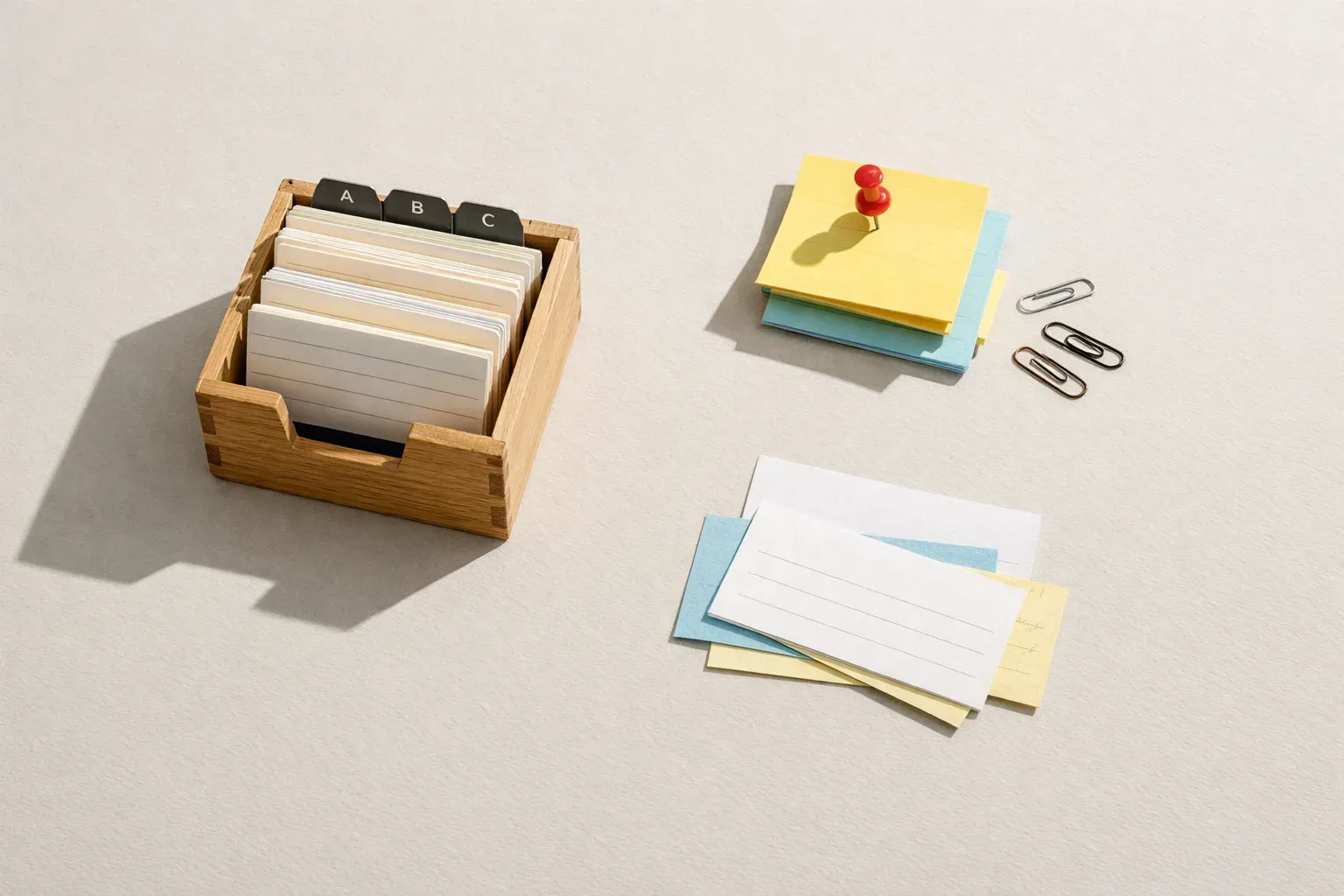
Turn repeat replies into a practical library
A short library of useful, well-maintained snippets is more valuable than a large collection that no one trusts. Start with a few messages that recur every week, then expand when you see another clear need.
For customer-facing teams, reusable text can help with common questions, follow-ups, and standard explanations. The content still needs to sound appropriate for the individual conversation. This is especially important for sales follow-ups, where the shared structure should leave room for details about the prospect's goals. The guide to sales response templates for consistent follow-up offers examples of that balance.
Review shared snippets when processes, policies, product details, or contact information change. If a message is no longer accurate, update it promptly and remove old versions that could confuse users. Assigning someone to check important snippets periodically can prevent outdated text from quietly becoming the default.
Frequently Asked Questions
What should I save as a text snippet?
Save text you repeat often and can reuse with little editing, such as a standard reply, signature, meeting confirmation, or set of instructions. Keep details that change from one conversation to another out of the fixed text, or make a habit of checking them before sending.
How do I use a snippet after creating it?
Use its shortcut or find it through the text expander's search or insertion tools, then review the inserted text in context. Add any details the recipient needs and verify that names, dates, links, and instructions are correct before sending.
Can a team share snippets while keeping personal ones private?
That depends on the product and account setup. Typerelay supports both private and shared snippets. Other tools may limit shared access by plan, workspace, or platform, so check the specific product's current help documentation.
How many snippets should a team create?
Start with the messages people repeat most often and can agree on. Add snippets when they solve a recurring need, and review the library as wording changes. A smaller set of trusted replies is easier to use and maintain than many overlapping versions.


