Mac Macro Recorder: When a Text Expander Is the Better Fit
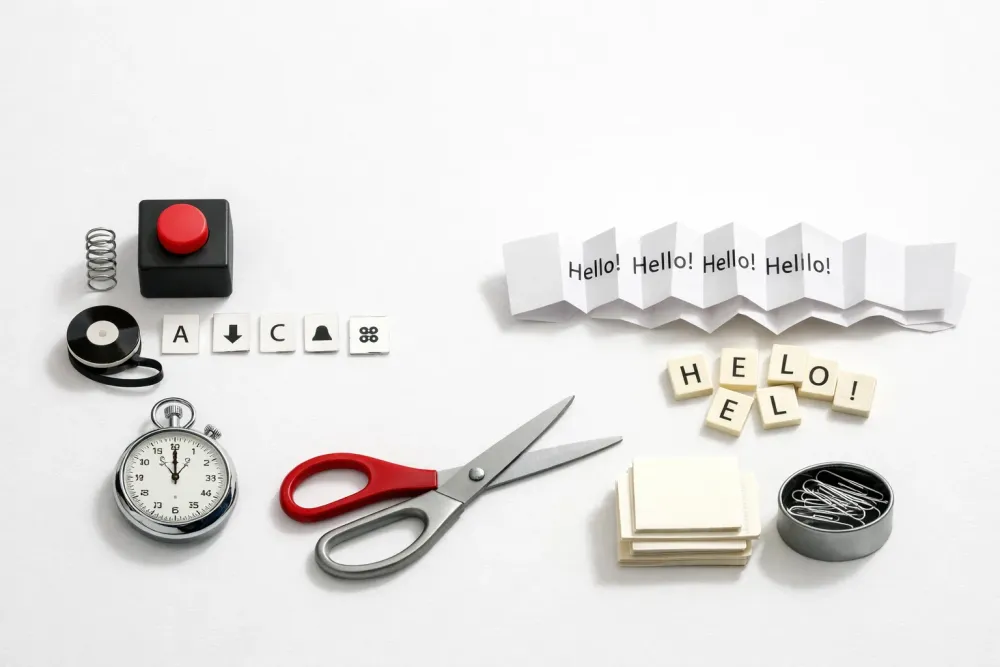
If you searched for a "mac macro recorder", you probably want to stop repeating the same actions on your Mac. For some workflows, that means recording clicks and keystrokes. For many others, it means saving the text you type over and over and inserting it instantly instead.
Typerelay is a text expander for reusable replies, signatures, snippets, and team-approved wording. It works on macOS, Windows, and Linux, with web sync and shared snippets for teams. That makes it a strong fit when the real problem is repeated text, not a full automation script.
What a mac macro recorder usually does
A macro recorder captures a sequence of actions and plays them back later. On a Mac, that can include typing, clicking, menu navigation, and other interface steps. People often look for one when they want to speed up admin work, data entry, or repetitive app workflows.
That said, not every repetitive task needs a recorded macro. If the main thing you repeat is text, a macro recorder can be more tool than you need. You may spend time maintaining action sequences when all you really wanted was a faster way to reuse a reply, signature, or standard paragraph.
When text expansion is the better answer
A text expander is the simpler choice when the repeatable part of your work is words, not actions. Instead of recording a workflow, you save the text once and trigger it with a shortcut.
That works well for:
- Customer support replies
- Sales follow-ups
- Email signatures
- Internal notes
- Legal or compliance-approved phrasing
- Repeated code comments or boilerplate
- HR, ops, and admin templates
Typerelay is built for this kind of reuse. You create snippets, keep personal text private, and share approved wording with a team when needed. If you work across multiple apps on Mac, that matters more than having a recorder tied to one app or one sequence of clicks.
For more on the broader fit, see Choosing a Text Expander App: Seven Features That Matter.
Why a macro recorder can be the wrong level of automation
Macro tools are useful, but they can become fragile when the thing you need to repeat changes often. If a button moves, a form changes, or an app updates its interface, the recorded macro may need work. Text rarely has that problem.
A text expander avoids that maintenance burden. Instead of replaying a path through the interface, it inserts the content directly where you are typing. That makes it easier to keep your workflow stable across apps and across time.
This is especially helpful for Mac users who want one shortcut library for more than one tool or device. Typerelay also supports macOS, Windows, and Linux, so your snippets do not have to live inside a single platform-specific setup.
A simple way to decide between the two
Use this rule of thumb:
- Choose a macro recorder if you need to repeat actions, clicks, or app navigation.
- Choose a text expander if you need to repeat text, templates, or standard responses.
- Choose both only if your workflow truly needs both layers.
For most Mac knowledge workers, support teams, and sales teams, the biggest win comes from faster text entry. The reason is simple: the same words show up everywhere. A recording might help in one app. A snippet works in mail, chat, docs, ticketing tools, and browser fields.
If your team also needs shared wording, that is another point in favor of text expansion. Typerelay supports shared snippets for teams, so one person can maintain the approved text and everyone else can use it consistently.
What Typerelay gives you on Mac
Typerelay is designed for people who type the same things repeatedly and want less friction in the process.
Private and shared snippets
Keep your own shortcuts separate from team-approved text. That lets individuals move fast without breaking consistency for shared replies, signatures, or policies.
Cross-platform support
Typerelay works on macOS, Windows, and Linux. If your Mac is part of a mixed-device environment, that avoids the split-brain problem where one person uses a different system from everyone else.
Web sync
Web sync helps keep snippet libraries aligned across users and devices. That is useful when wording changes and the update needs to reach everyone quickly.
Better fit for recurring text
If your goal is to reuse a support paragraph, an email signature, or a standard introduction, Typerelay is the cleaner tool. You save the text once, assign a shortcut, and use it wherever you type.
For a Mac-specific comparison, you may also want to read Mac OS Text Expander: Faster Snippets Across All Your Apps.
Use cases where a macro recorder is overkill
Here are a few common Mac tasks that sound like macro jobs at first, but are usually better handled with text expansion:
- Repeating the same greeting in email
- Dropping in a product description
- Adding a standard closing line
- Inserting meeting notes templates
- Reusing support troubleshooting steps
- Pasting a shared disclaimer or policy line
In these cases, the time savings come from not retyping, not from replaying a sequence. A recorder can do more, but that extra power is not always useful.
If you are comparing tools for team workflows, Text Expander for Team: Shared Snippets Without the Chaos is worth a look.
When a macro recorder still makes sense
A recorder is still the right choice if your work depends on repeated interface actions. For example:
- Filling out the same app in the same order
- Moving through a multi-step process in one system
- Repeating menu selections or mouse actions
- Automating a task that has little or no text component
If that is your real use case, a text expander will not replace it. But if you keep finding yourself searching for a "mac macro recorder" just to stop retyping the same copy, a snippet tool may be the better match.
A practical first test
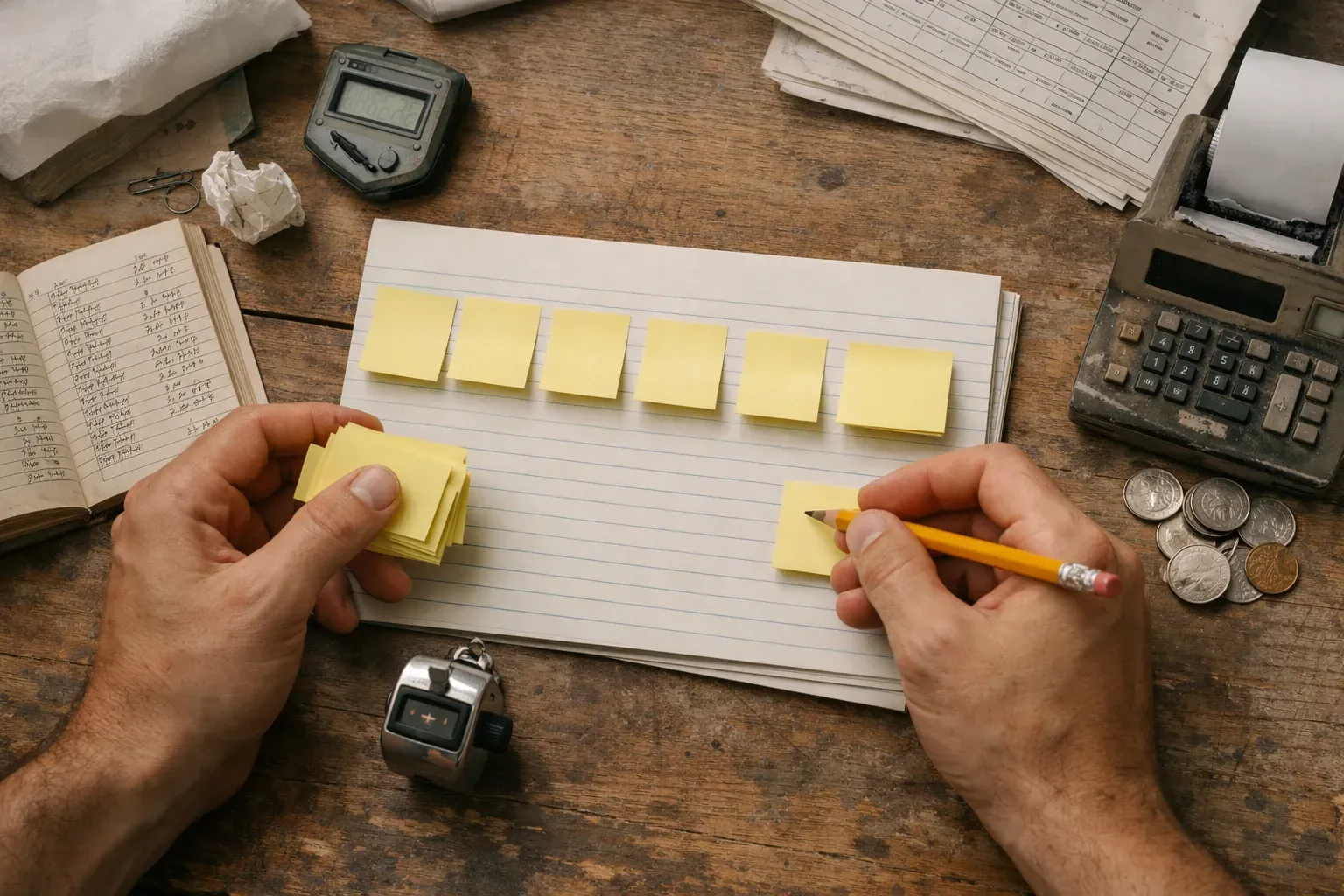
Before you commit to a macro workflow, test the task you repeat most often.
- Pick one repeated phrase: Use the sentence or paragraph you type most often.
- Try it in the apps you actually use: Email, chat, docs, and support tools are better tests than a demo field.
- Check editing speed: If the wording changes, see how fast you can update it.
- See whether sharing matters: If more than one person needs the same text, test a shared library.
- Compare against your real work: If the only thing you repeat is text, a recorder may be unnecessary.
That test usually makes the answer obvious. If you care more about stable text reuse than action playback, a text expander is the simpler path.
Why this matters for Mac users
Mac users often start with built-in text replacement, clipboard tricks, or a recording tool they found during a quick search. Those options can work for a while. They tend to break down when the library gets bigger, the team grows, or the same wording needs to travel across more than one device.
Typerelay is built for that stage. It gives you a cross-platform snippet workflow, shared control for teams, and a clean way to handle repeat text without building a macro system around it.
Frequently Asked Questions
Is a mac macro recorder the same as a text expander?
No. A macro recorder replays actions, while a text expander inserts saved text. If your repetition is mostly words, snippets are usually faster to manage and easier to update.
Can Typerelay replace a macro recorder on Mac?
Not for action automation, no. Typerelay is for text expansion, not click recording. It can replace a macro recorder when the only thing you need to repeat is text.
Does Typerelay work only on Mac?
No. Typerelay works on macOS, Windows, and Linux. That makes it useful when your setup spans more than one operating system.
Can teams share snippets in Typerelay?
Yes. Typerelay supports shared snippets, so teams can keep approved wording in one place and use it across the group.
Is Typerelay useful for email signatures?
Yes. Email signatures are a common use case for text expansion. Typerelay lets you store signature text once and reuse it anywhere you type.
If your search for a "mac macro recorder" is really about repeating text, Typerelay gives you the simpler tool for the job. If you need both text reuse and action automation, start with snippets first, then add macros only where clicks and menus truly matter.


