More in Pro, Half the Price: Typerelay’s New Plans
Pro is now $4 per user per month, with collaboration for up to five people, private AI, and SSO/SAML. See the savings and explore our complete plan comparison.
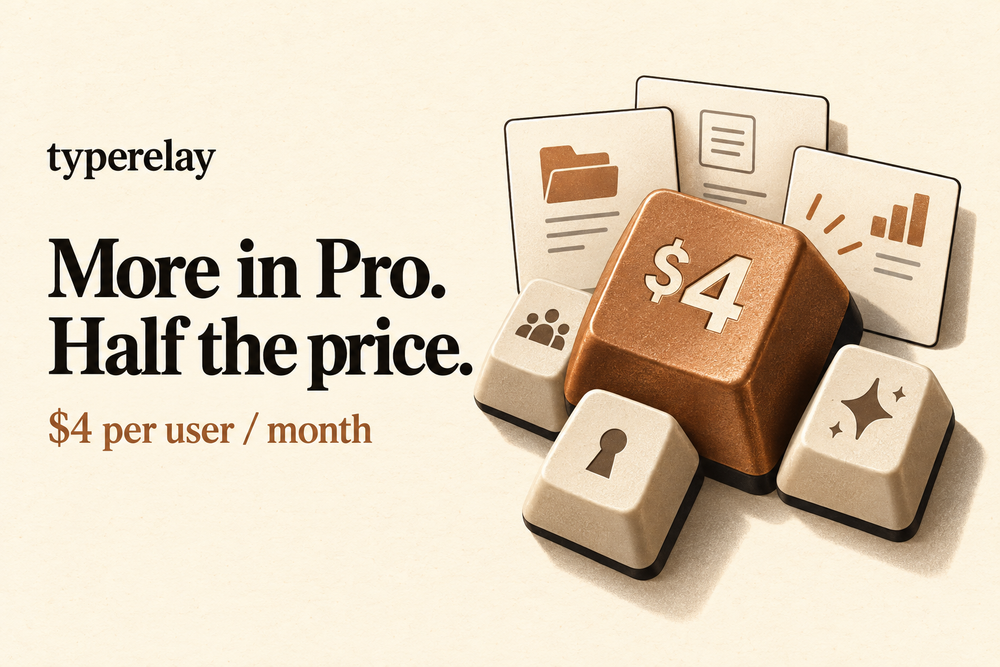
We’ve updated Typerelay’s plans to make Pro more useful for individuals and small teams. Pro is now $4 per user per month, down from $8 for one person. It also includes collaboration for up to five people, team statistics, and single sign-on with SAML.
That means a lower price for your own snippet library and a much smaller starting bill when you want to share it with a few colleagues. We’ve also added a complete feature overview to the pricing page, so you can see exactly what each plan includes.
Half the price for one person. More room for a small team.
The previous Pro plan cost $8 per month and covered one person. Shared libraries and team management started with Team at $39 per month, which included five people.
Now, Pro covers one to five people at $4 per user per month. The account owner counts as one user, and you pay for the seats you choose. Here’s what that changes:
| Your setup | Previous plan | New Pro | Monthly saving |
|---|---|---|---|
| One person | $8 Pro | $4 | $4 · 50% |
| Three people sharing libraries | $39 Team | $12 | $27 · about 69% |
| Five people sharing libraries | $39 Team | $20 | $19 · about 49% |
Monthly USD list prices, before any applicable tax. The team examples compare the former Team minimum with the new Pro plan for shared-library workflows. Pro does not include Team’s white-labeling or custom domains. On a narrow screen, scroll the table sideways.
For a three-person support team, that’s $12 per month for a shared library of replies, instructions, and signatures. For a five-person business, it’s $20. You can keep approved wording in one place while each person keeps their own private snippets.
Pro now includes the tools to work together
Pro keeps unlimited snippets, libraries, and connected machines per user, with sync across your devices. It now brings the collaboration tools into the same plan:
- Shared libraries: maintain the replies, templates, and code your team reuses.
- Member invitations and groups: give the right people access to the right libraries.
- Roles and library permissions: choose who can edit shared wording and who can use it read-only.
- Personal abbreviations: use your preferred shortcut for a shared snippet.
- Team statistics: see usage and time-saved reports, including member breakdowns.
A small team can share its everyday knowledge without buying a larger plan just to work together.
SSO and SAML are included in Pro
We’ve added SAML single sign-on to both Pro and Team. If your organization uses a compatible identity provider, you can connect it to Typerelay and let members sign in through that provider.
SSO starts with the $4-per-user Pro plan. A team of two, three, or five can use it. You don’t need to move to Team for SAML support.
Administrators can test the connection before enforcing SSO. The SAML single sign-on guide covers setup, supported configuration, and recovery.
Private AI is part of the value, too
Pro and Team include private AI in the web app, with a daily allowance. Use it to help draft, refine, or find snippets without setting up a separate provider account.
Local AI is available on every plan, including Free. Download and enable a local model to draft and refine text on your own device. You can also connect your own supported AI provider; that provider’s charges and data policy apply.
Our guide to private AI in Typerelay explains where the processing happens and how local AI differs from the hosted option.
Free, Pro, and Team at a glance
| Plan | Monthly price | Who it’s for |
|---|---|---|
| Free | $0 | One person, 250 active snippets, one library, web access, and one connected machine. Includes fill-in templates and local AI. |
| Pro | $4 per user | One to five people. Unlimited snippets, libraries, and machines per user, plus sync, collaboration, team statistics, private hosted AI, REST API, MCP, and SSO/SAML. |
| Team | $8 per user | All Pro features, no plan user cap, white-label logos and favicon, and custom domains. Starts at one seat. |
All prices are USD, billed monthly. The owner is a billed user on paid plans. Applicable taxes may be added. “Unlimited” refers to snippets, libraries, and machines; hosted AI has a daily allowance.
Team is the choice when you need more than five people or your own branding and domain. Its pricing has changed from $39 for five people plus $6 for each additional person to $8 per user from the first seat. For example, five people on Team now cost $40 per month, compared with $39 before. The lower-cost option for a small team that doesn’t need branding or a custom domain is Pro.
A complete overview, without the guesswork
The new pricing page includes a 44-feature comparison across Free, Pro, and Team. It covers plan limits, apps, rich text and dynamic snippets, AI, collaboration, statistics, security, branding, and support. It also labels details such as mobile apps being in public beta and local AI needing a downloaded model.
You can see what’s included before choosing a plan. And if you prefer to run Typerelay yourself, the self-hosted version remains available under GNU AGPLv3 without hosted plan limits.


