What’s New in Typerelay: Statistics, Chrome Extension, Personal Abbreviations, and Imports
See your snippet impact, use Typerelay in Chrome, choose personal shortcuts for shared text, and import Raycast or Keyboard Maestro snippets.
A text expander should save effort from the first day you use it. It should also fit the way you already work: across apps and devices, with a team when you need one, and with the snippets you have spent years building elsewhere. This Typerelay update brings those goals closer together. You can now see how often your snippets are used, bring them into Chrome, choose your own abbreviation for shared text, and import collections from Raycast or Keyboard Maestro.
These changes cover different parts of the same workflow. Import gets your existing material into Typerelay. Shared libraries keep the wording current. Personal abbreviations make that shared wording comfortable for each person to use. The browser extension takes snippets into web forms and editors. Statistics then show which snippets are useful and where you're saving time.
See what your snippets are doing
Typerelay now has usage statistics for your own snippets and, on eligible team accounts, shared-library activity. Open the chart button beside New library in the web app to see your report. Links in desktop, browser extension, and mobile settings lead to the same view.
The report starts with the last 30 days. You can switch to 7 days, 90 days, all time, or a custom date range. Daily activity helps you spot patterns; sortable snippet and library tables show which content earns its place. Owners and admins with team access can switch to a team view with shared-library totals and a member breakdown. Private libraries are excluded from team reports.
We also added estimates for characters, time, and money saved. A successful expansion or insertion counts as a use, as does an explicit snippet copy. Copies and insertions are shown separately. Typerelay calculates characters saved from the rendered plain text, subtracting the abbreviation and prefix only when they were actually replaced. It then estimates time using an editable typing speed, starting at 50 words per minute. The hourly rate starts at $30 and can be changed along with the currency label. These are estimates you control, not claims about a universal wage or a guaranteed result.
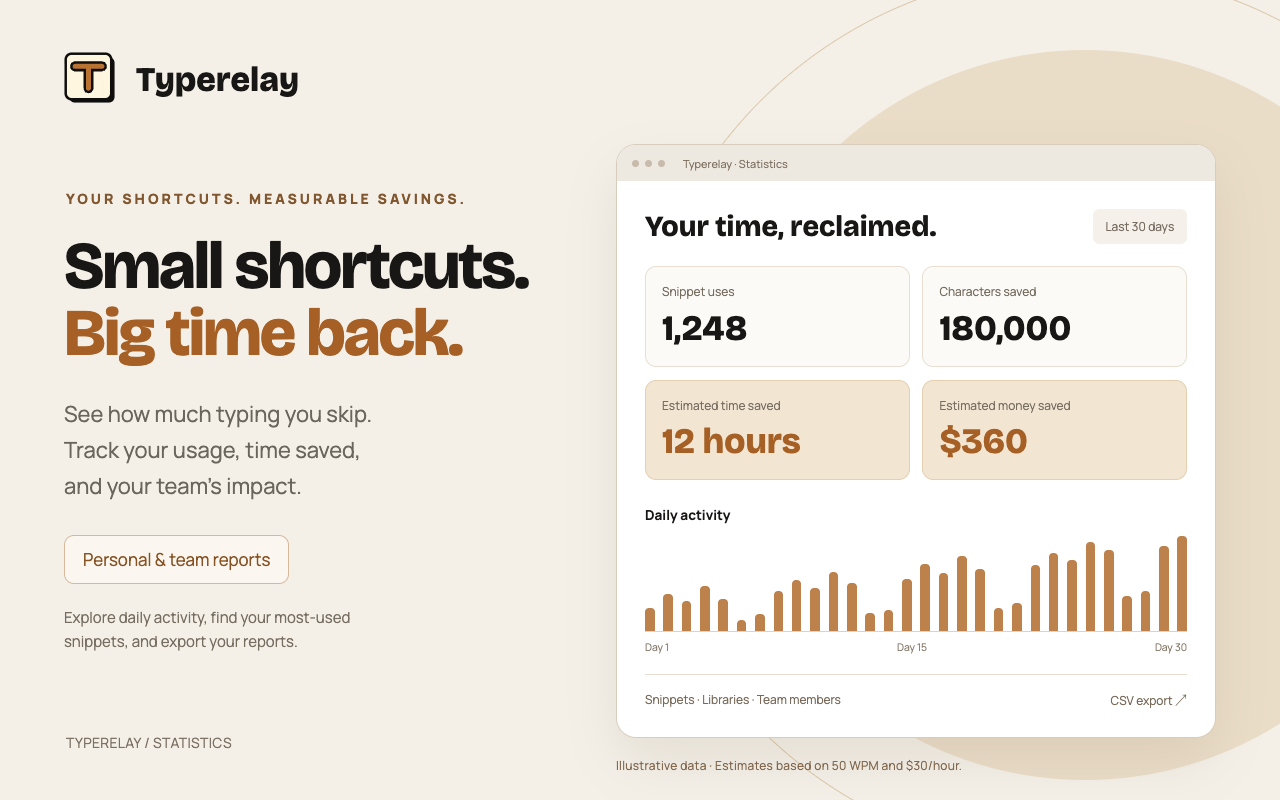
Choose the settings that match your work, then export the selected report as a CSV. The export follows the same dates, scope, time zone, and estimate settings you see on screen, making it useful for a personal review or a team conversation about which snippets to improve. Changing an estimate setting recalculates the report; it does not change the underlying use counts.
Statistics begin when you use updated clients; you can't reconstruct older activity. Offline devices queue usage and upload it when they reconnect. The report records IDs, action, client, time, and character counts. It does not send snippet text, clipboard contents, fill-in answers, or the name of the app where you typed. Local-only libraries stay on the device and do not appear in the web report. If you copy a snippet, Typerelay can count the copy but cannot know whether you later pasted it.
Take Typerelay into Chrome
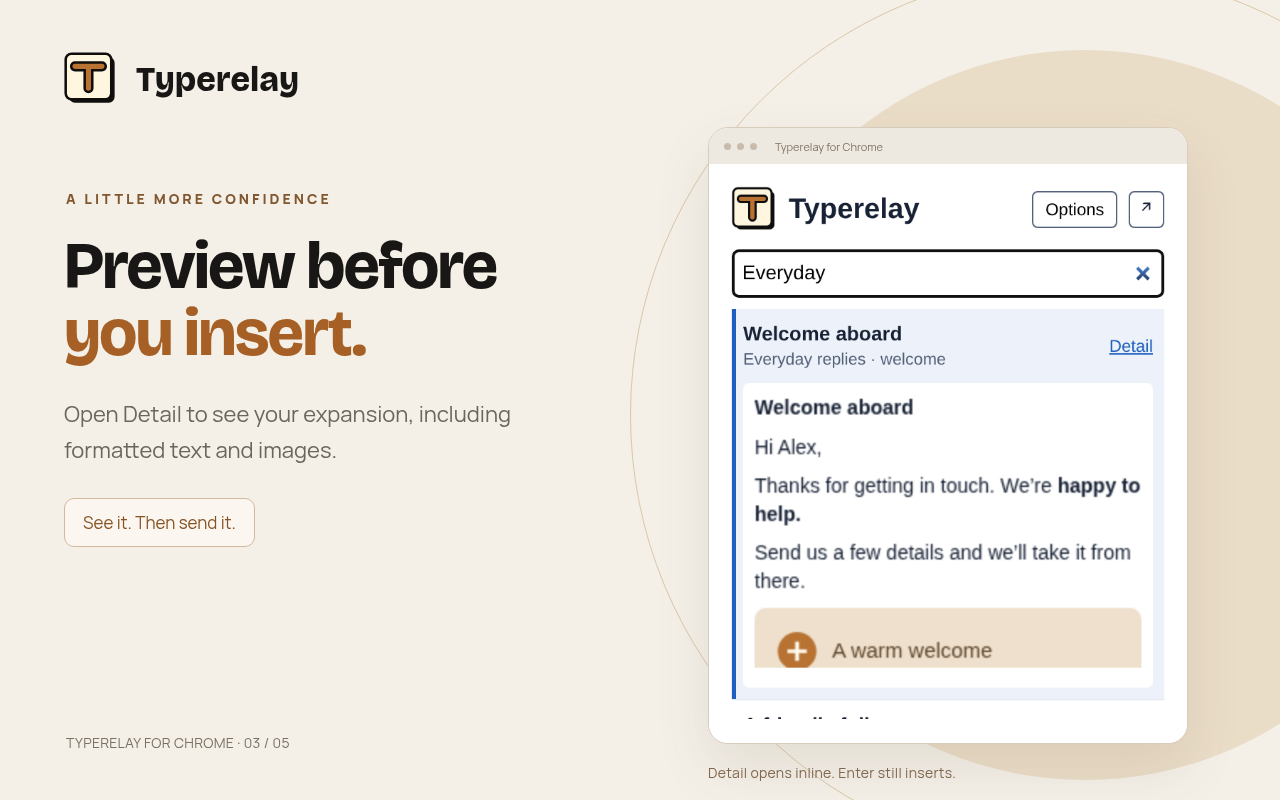
The new Chrome extension brings synced snippets to editable fields on the web. Type your abbreviation in a supported field to expand it, or open the toolbar popup and search when you would rather browse. The popup starts with an empty search field, shows matches as you type, and lets you inspect a snippet’s details before using it. Choose a result with Enter or a click to copy it, then paste with Ctrl/Cmd+V. Rich snippets can copy both formatted HTML and a plain-text version, so the destination can use the format it supports.
The extension keeps a local snapshot of synced snippets for offline use. Its options provide sign-in, account connection, manual sync, and a choice of trigger prefix. It can also connect to a self-hosted Typerelay server. Sign-in uses Typerelay’s device connection flow; your browser connection appears in device management. The extension does not send the contents of fields you type into to Typerelay.
There are sensible boundaries. Chrome’s address bar, internal browser pages, and native apps are outside the extension’s reach. Google Docs uses the popup’s copy-and-paste path; automatic abbreviation expansion there is not supported. Some rich editors also decide for themselves which formatting or images they accept on paste. If you use the desktop app alongside the extension, the two coordinate so a supported web field does not expand the same abbreviation twice.
One shared snippet, your own shortcut
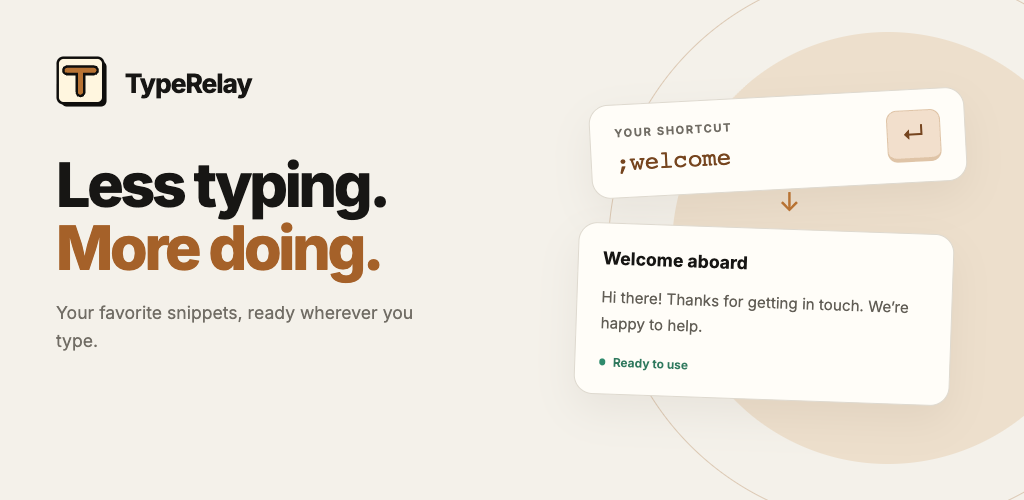
A team may agree on the exact text of a response without agreeing on the keys used to reach it. One person might remember ;intro; another might have used ;welcome for years. Requiring everyone to adopt one trigger makes sharing harder than it needs to be.
Shared snippets now support My abbreviation. You can keep the team’s approved expansion while choosing a shortcut that makes sense to you. Your choice replaces the shared default only for your account. Teammates continue to use the default or their own choices; changing your abbreviation does not create a second copy of the snippet or change its content. If you want to return to the team shortcut, choose Use shared default and save.
Set it from a shared snippet in the web app or from desktop search results. The personal abbreviation syncs to your devices, the browser extension, and the mobile keyboard. Desktop changes can be made offline and show that they are waiting to sync. If two devices make competing changes, Typerelay keeps the alternatives available for review rather than silently choosing one.
Abbreviations still need to be unique among active snippets you can use. If a later shared update introduces a collision, automatic expansion pauses for that shortcut, while both snippets remain available through search and manual insertion. The shared default stays with copies and exports, which keeps the library portable and predictable for other members.
Bring Raycast snippets with you
Starting over should not mean retyping every useful phrase. Typerelay’s web import flow now accepts Raycast snippet JSON exports. It reads each snippet’s name, text, and optional keyword. Names become titles, text and line breaks are retained, and the keyword becomes the proposed abbreviation when it is valid. You can still import an entry without a keyword and find it through search.
Select Import below the web library list, choose Raycast, and preview the file before saving. In the preview, you can select the entries you want and correct or clear abbreviations. The import creates a new private library, leaving your existing libraries untouched. This is useful for moving a personal collection first, checking its content, and deciding what to share later.
Raycast placeholders such as {clipboard}, {cursor}, and arguments need attention. Typerelay imports those as literal Code snippets marked Needs review, without an active abbreviation. It does not execute the placeholder or guess at an equivalent variable. Review the text and, where appropriate, rebuild the dynamic part as a Typerelay Template before assigning an abbreviation.
Import text from Keyboard Maestro macros
Keyboard Maestro can hold years of useful text, often mixed with automation that does much more than insert a phrase. Typerelay now accepts XML .kmmacros exports and extracts the supported text-insertion macros. Macro groups become new private libraries. A macro with one ordinary Insert Text by Typing or by Pasting action can become a snippet; a simple typed-string trigger can become its proposed abbreviation.
The importer preserves text and line breaks, and it can retain supported rich formatting and images from styled text, including compatible RTF and RTFD content. It does not try to reproduce every font, color, or layout detail. The preview flags omissions and lets you decide what to keep. Macros with multiple actions, scripts, display-only behavior, or other automation are skipped with named reasons. Disabled or app-restricted macros may retain their supported content, but they require review before assigning an abbreviation.
Dynamic tokens are treated carefully. Typerelay does not run Keyboard Maestro commands inside an imported snippet. If a text action contains dynamic content, it is brought in as literal Code marked Needs review with no active abbreviation. This makes the import a safe starting point: you can inspect the intended text, translate the useful parts into Typerelay Templates, and leave unrelated automation in Keyboard Maestro.
As with Raycast, use the import preview to make decisions. Select the snippets worth keeping, inspect warnings, and correct triggers before saving. The selected entries are checked again when committed, and the new libraries are created together. A failed import does not leave a half-finished collection behind.
Try the new workflow
If you already have snippets in Raycast or Keyboard Maestro, start with a small export and use the web Import preview to see how it maps. Open a few imported snippets, especially any marked Needs review, before assigning shortcuts. If your team shares a library, choose a personal abbreviation for a frequently used response and check that it appears on your other devices after sync. Then visit Statistics after some real use to see which snippets are earning attention.
We built these additions to make an existing snippet habit easier to carry forward, whether you work alone, in a browser, or across a team. The best shortcut is the one you remember; the best shared text is the version everyone can trust. Typerelay now supports both and shows the results along the way.
For details, see the statistics guide, team and personal abbreviation guide, and import guide.


